Ctrl+K
TIGRE - home TIGRE - home
  • Install
  • User guide
  • Demos
  • Gallery
  • API reference
  • Citing TIGRE
  • Papers using TIGRE
  • GitHub
  • Discussions
  • Install
  • User guide
  • Demos
  • Gallery
  • API reference
  • Citing TIGRE
  • Papers using TIGRE
  • GitHub
  • Discussions

Section Navigation

  • Getting started
    • Describe the scanner geometry
    • Load the sample data
    • Simulate projections and noise
    • A first reconstruction
    • Plot images and projections
    • Measure image quality
    • Post-process a reconstruction
  • Algorithms
    • FDK and its filters
    • SART, OS-SART and SIRT
    • Krylov subspace methods
    • Total variation algorithms
    • FISTA with a TV proximal step
    • Prior images with PICCS
  • Geometries and operators
    • Projectors and backprojectors
    • Helical scans
    • Image and detector offsets
    • Parallel-beam geometry
    • 2D tomography
    • Detector rotation
    • Arbitrary axis of rotation
    • Digital breast tomosynthesis
    • Curved detectors
    • Shifted detector on a short scan
  • Real data, GPUs and other tools
    • Load scanner data
    • List and choose GPUs
    • Use TIGRE from PyTorch
    • Dual-energy CBCT
    • Real micro-CT data: SophiaBeads
    • Proton radiography
  • Demos
  • Getting started

Getting started#

Describe a scanner, simulate data, reconstruct and look at the result.

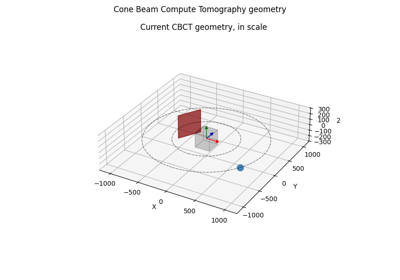
Describe the scanner geometry

Describe the scanner geometry

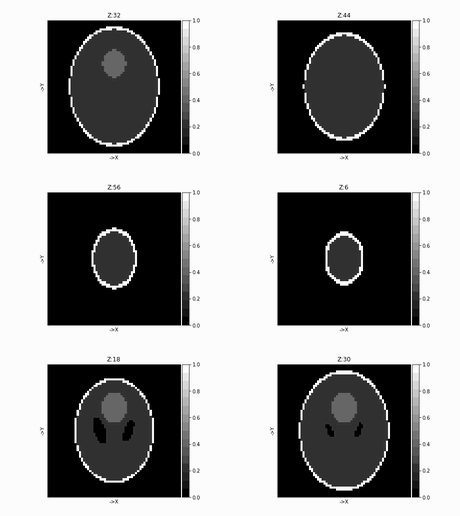
Load the sample data

Load the sample data

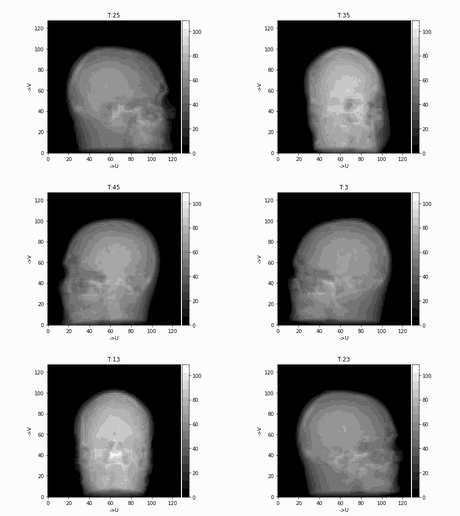
Simulate projections and noise

Simulate projections and noise

A first reconstruction

A first reconstruction

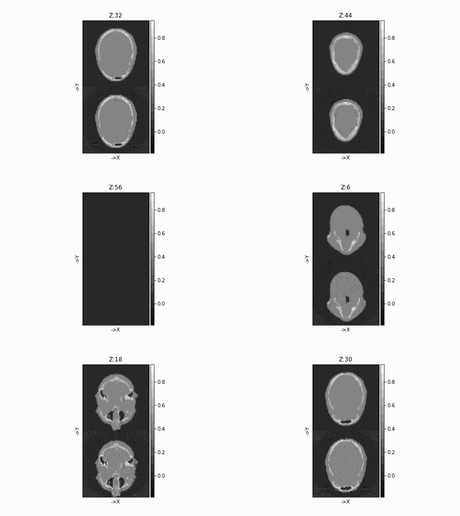
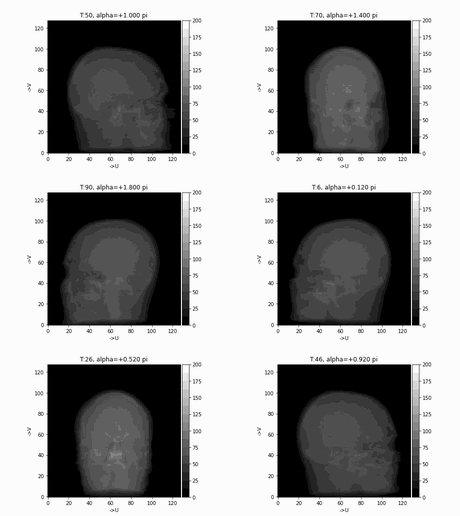
Plot images and projections

Plot images and projections

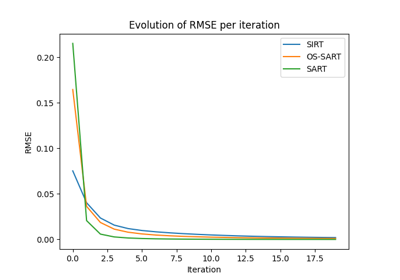
Measure image quality

Measure image quality

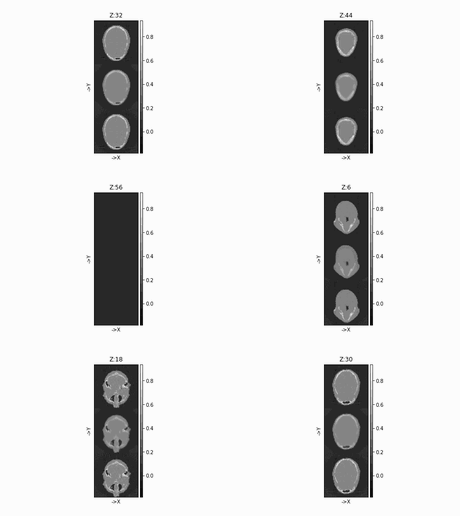
Post-process a reconstruction

Post-process a reconstruction

previous

Demos

next

Describe the scanner geometry

Edit on GitHub
Show Source

© Copyright 2015-2026, University of Bath and CERN.

Created using Sphinx 9.1.1.